 Added to basket

 Are you sure?


























STEP 1—EMAIL LINK
Click the account activation link sent to your email registered with Wigmore

STEP 2—ACTIVATION
Activate your account after inputting your temporary password from step 1
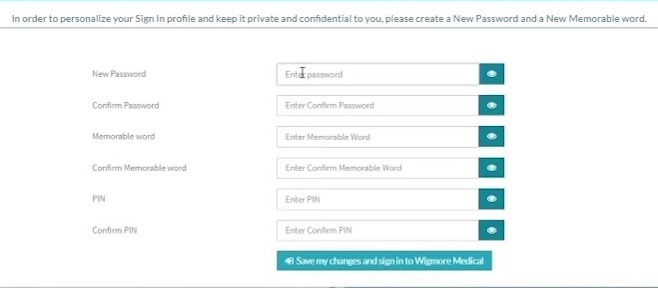
STEP 3—PERSONALISED SECURITY
Choose your preferred security credentials for personalised access to the digital platform
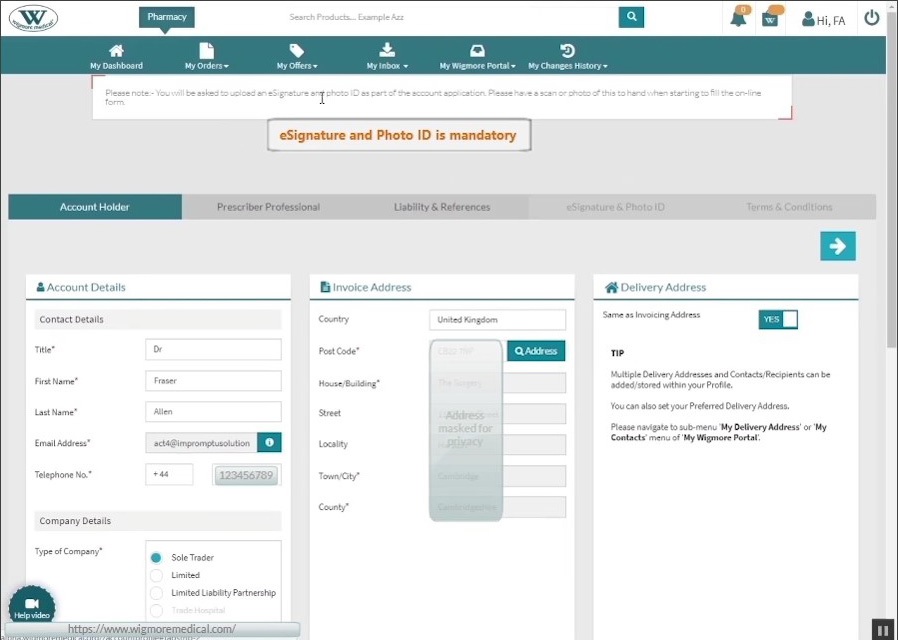
STEP 4—CONTACT DETAILS
Validate/amend your contact details—stage 1
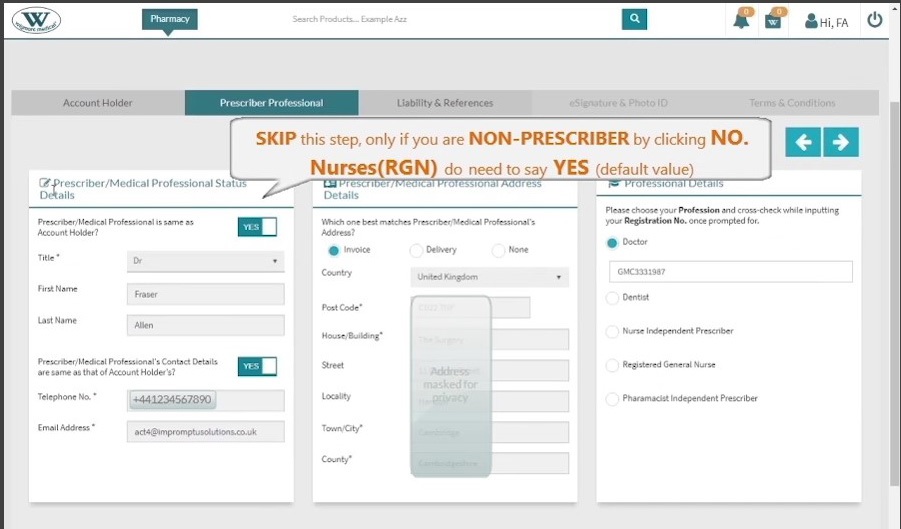
STEP 5—PROFESSIONAL DETAILS
Validate/amend your professional details—stage-2
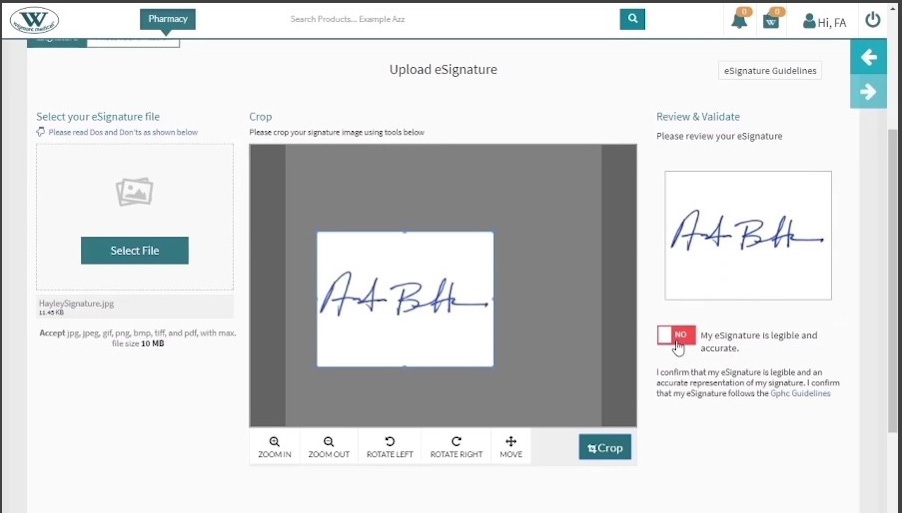
STEP 6—ESIGNATURE
Upload your eSignature using the tools and check the declarations (Stage 4-A)
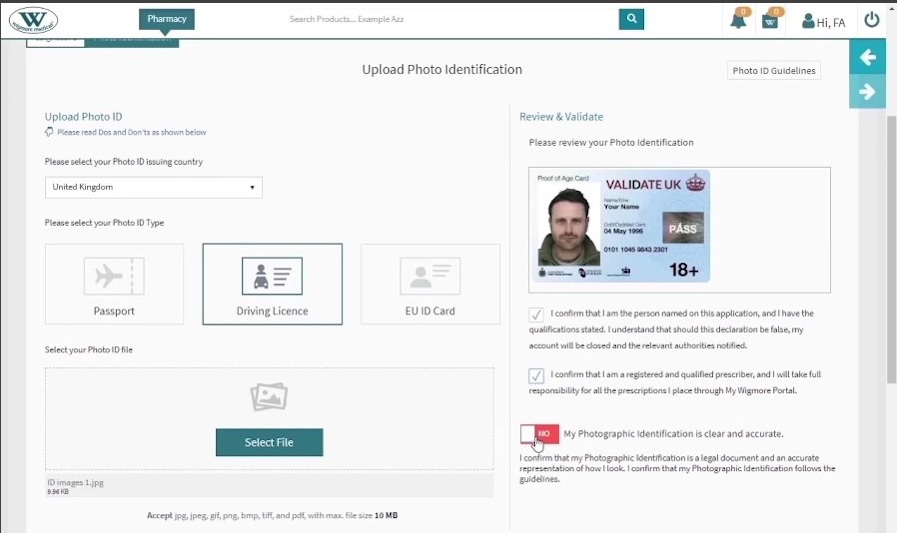
STEP 7—PHOTO ID
Upload your photo ID and check the declarations (Stage4-B)
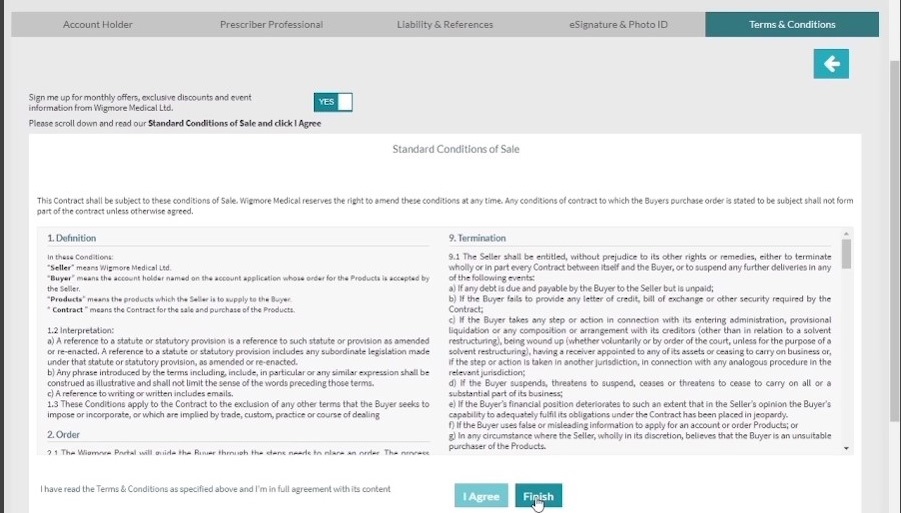
STEP 8—FINISH
Click Finish, after reviewing the standard conditions of sale (Stage 5)